After trying Meta’s new VR glasses, I kept coming back to one thought: this feels like what a second-generation Apple Vision Pro could have been.
Not because Meta has discovered a completely new reason to put a computer on your face. It hasn’t. What it has done is address one of the biggest reasons people take these things off: the size and weight.
The solution is almost frustratingly straightforward. A headset needs cameras, sensors, displays, processing power, and a battery. But not all of that hardware needs to sit on your face. Move enough of it somewhere else, and suddenly a much more comfortable device becomes possible.
Quick Summary
- Meta moves computing and battery hardware into an external puck, reducing the glasses to about 100 grams.
- The open design improves wearability but sacrifices some field of view and isolation.
- A portable multi-monitor workspace is the most compelling use case from this hands-on.
- A surface-mapped keyboard and trackpad add physical feedback without requiring another accessory.
Somewhere Between Glasses and a Headset
There are two broad approaches to face-worn computing. Start with a full VR headset and gradually make it smaller, or start with ordinary glasses and gradually add more technology.
Meta is doing both. It has glasses with audio, cameras, and increasingly capable features. It also has Quest headsets, where the challenge is making a full immersive computer smaller and lighter. These new VR glasses land somewhere in the middle.
I’m still not sure I would call them glasses, though. That word suggests transparent lenses you can look through directly and comfortably wear around all day. Here, your view of the world comes through a camera feed. That’s video passthrough, not transparent glass, and it makes this much closer to a headset in how you actually use it.
Reports at the time of this hands-on suggested Apple was moving away from further Vision Pro development and toward glasses. That remains a reported direction, not something this demo can establish. But if Apple were building on the feedback from the original Vision Pro, this is exactly the sort of hardware rethink I would want to see.
The Smartest Part Is the Compute Puck
Vision Pro’s external battery moves some weight off your head. Meta takes that idea considerably further: its external puck contains the battery and as much of the computing hardware as possible.
Inside the smartphone-sized unit are:
- A Snapdragon XR2 Gen 3 chip.
- 12GB of RAM.
- 128GB of storage.
- A microSD card slot.
- An active cooling system with a fan and an exhaust at the top.
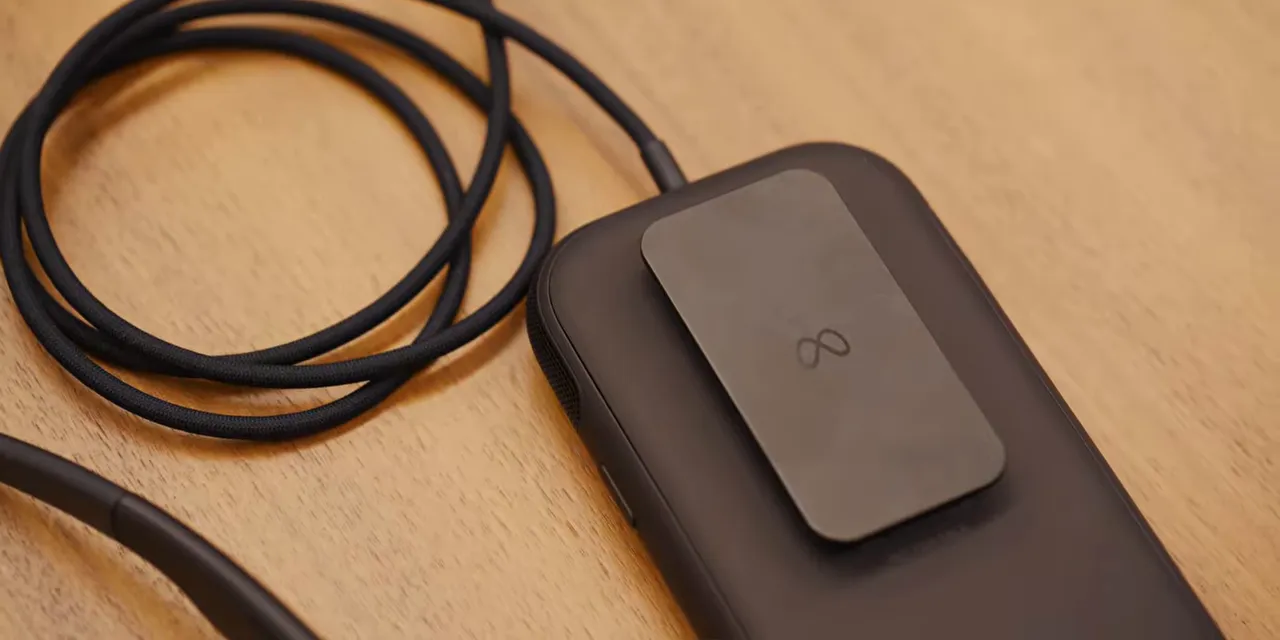
That last part matters. During my hands-on, I could feel warm air coming out of the puck. The cable is long enough to suggest you could put it in a pocket, but I wouldn’t want that heat trapped against me. I’d use the belt clip and keep it on the outside of my pants instead.
Yes, that adds a little setup. But I would rather have the heat leaving a box on my belt than leaving a computer strapped to my face.
The cable also disconnects at both ends, which could make it easier to replace or repair than a permanently attached connection. Meanwhile, the glasses retain the hardware that actually needs to be near your eyes: motion-tracking sensors, eye tracking, and passthrough cameras. There are additional sideways- and downward-facing cameras on the arms, along with volume controls.
This is the core design decision that makes the whole product interesting: separate the things that must be on your head from the things that don’t.
A Lighter Design With a Real Immersion Trade-Off
The other major change is the shape. Instead of wrapping your eyes in a fully enclosed headset, Meta has built something closer to oversized sunglasses.
Less enclosure means less material and less weight. It also means you can see light from your actual surroundings above and below the display area. Think about wearing sunglasses and glancing around the edges of the frames. It’s a little like that, except the lenses contain a different reality.
The field of view reflects that compromise:
- Meta’s VR glasses: 70 degrees horizontally and 66 degrees vertically.
- A typical fully immersive headset: roughly 110 degrees of field of view.
- Other XR glasses I’ve tried, including Xreal models: often closer to 55 to 60 degrees.
Can you notice the difference from a full headset? Absolutely. The virtual world doesn’t extend as far into your peripheral vision, and the open edges keep your surroundings present.
But it also feels more expansive than many display glasses I’ve used. There is still a substantial virtual space inside those lenses, rather than just a small screen floating in front of you.
For situations where outside light is distracting, Meta has flexible rubber light blockers that attach magnetically around the eyepieces. Add those, and you get a darker, more isolated environment for something like a movie. It’s a useful option rather than a permanent enclosure you have to wear for everything.
Sharp Displays, Manual Adjustments, and About 100 Grams
The displays themselves are micro-OLED panels with a resolution of 2412 × 2288 per eye and a refresh rate of up to 120Hz. In person, they looked sharp to me.
The recordings captured from the device were less convincing. This was prerelease hardware, and those recordings did not accurately convey the clarity I saw through the lenses. That’s an important distinction: the capture quality wasn’t the same as the display experience.
Meta also saves weight in smaller, less flashy ways. The frames use magnesium. And instead of including motors to adjust lens spacing, you move the lenses yourself.
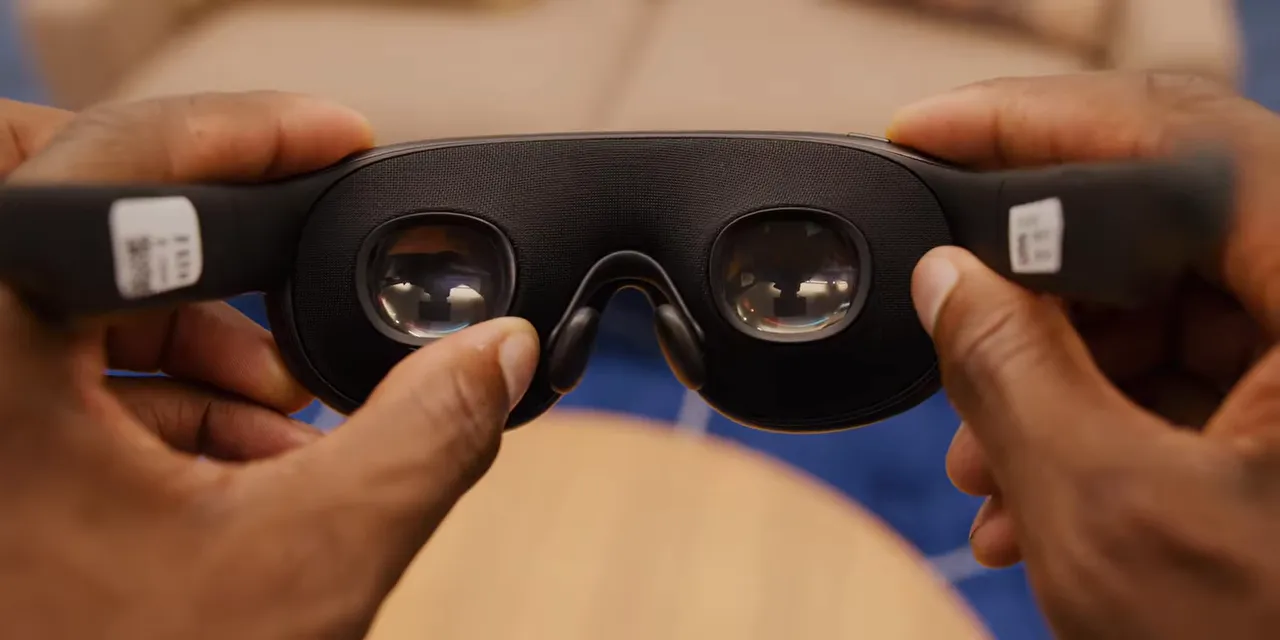
This adjustment matches the lenses to your interpupillary distance, or the distance between your pupils. You physically push the lenses closer together or pull them farther apart, while the software guides you through the setup.
That’s a sensible trade. A motorized adjustment is convenient, but it’s another mechanism you have to carry on your face. Here, a guided manual process does the job without it.
Put all those decisions together, and the glasses themselves weigh about 100 grams. That’s the face-worn portion, not the glasses and compute puck combined, but it’s the part that makes the biggest difference to comfort.
They felt much easier to wear for an extended stretch. I could more readily imagine settling into a movie or getting work done without the device constantly reminding me that it was attached to my head.
What Would You Actually Use Them For?
This is where the hardware progress runs into the familiar question: do you want a headset in the first place?
Making the device lighter doesn’t automatically create a new use case. The broad capabilities are still similar to what you get from a Quest, Vision Pro, or Galaxy XR.
Eye tracking and hand tracking handle navigation and gestures, so you don’t need a physical controller for the main interface. There are Meta apps such as Instagram, WhatsApp, and Meta AI, plus a web browser.
There are games, too. Quest has a strong history there, and this hardware can play games. But with the open design and outside light coming in, I don’t think fully immersive gaming is the main reason this particular form factor exists.
The Most Compelling Use: A Portable Multi-Monitor Workspace
For me, the strongest application is the extended desktop.
I like the idea of connecting to my computer and getting a huge triple-monitor workspace wherever I happen to be, without carrying three actual monitors. That’s a clear, practical benefit: a personal virtual office that travels with you.
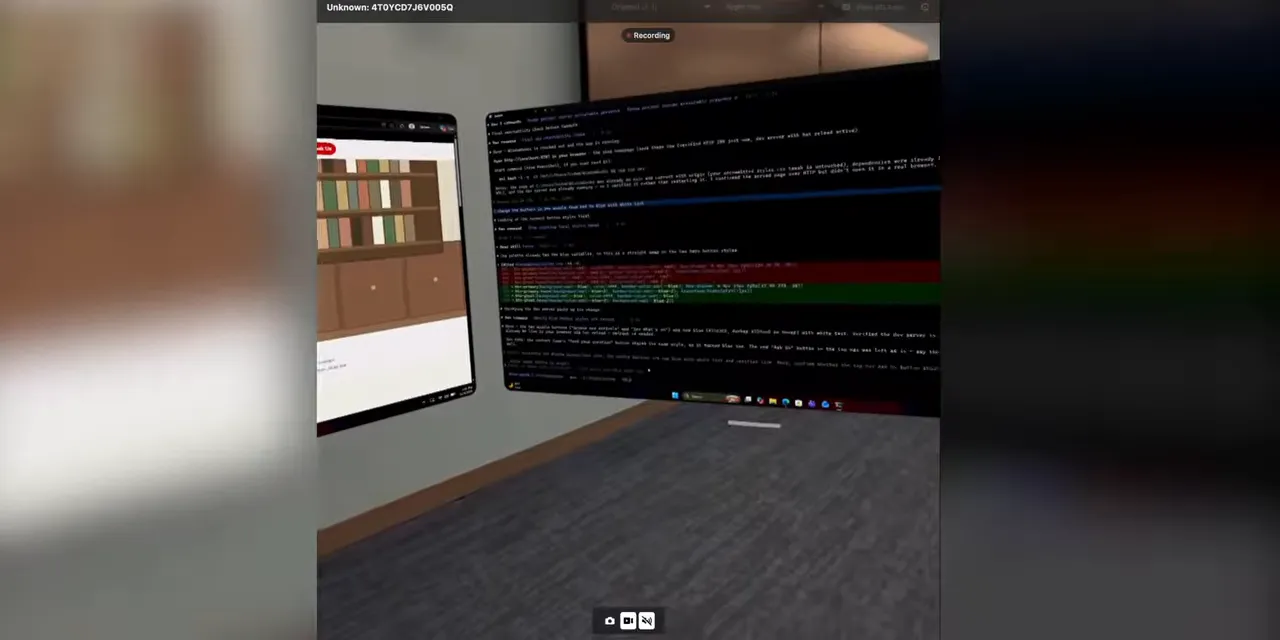
That use case also benefits directly from the reduced weight. A giant virtual workspace is much less appealing if you only want to tolerate the hardware for a short session. Making the headset easier to forget about gives an existing feature a better chance of becoming useful.
The Clever New Feature: Turning a Desk Into a Keyboard
The most interesting new interaction I tried was a virtual keyboard and trackpad mapped onto a physical surface.
Usually, selecting a text field in a headset brings up a floating keyboard. You reach forward and poke at keys suspended in the air. It works, but there’s no physical stopping point for your fingers.
Here, if you’re sitting at a flat surface such as a desk, you can select a button that places the keyboard and trackpad onto that surface. You then type against the desk and slide a finger around the virtual trackpad.

You don’t suddenly get individual physical keys, but you do get the feedback of your fingers hitting something real. That makes the interaction much more satisfying than tapping empty air.
It’s a clever use of what’s already around you. Instead of adding another accessory, the software turns an ordinary desk into part of the interface.
A Better Answer to Comfort, Not Yet to Necessity
Meta’s stated plan is to release these glasses next year for around $1,300. Based on this prerelease hands-on, the hardware direction makes a lot of sense.
Move the processor, battery, and heat away from your face. Reduce the enclosure. Use lighter materials. Skip motors where a simple manual adjustment works. Keep the sensors and displays where they need to be.
None of that resolves the bigger question of whether spatial computing belongs in your routine. But it does address a major obstacle that has held back otherwise capable headsets: people don’t want to wear something big and heavy for very long.
That’s why these remind me so much of a possible Vision Pro follow-up. They don’t reinvent what a headset does. They make a serious attempt to improve what wearing one feels like. And at this stage, that might be the more important upgrade.


